 Xtractor
Documentation
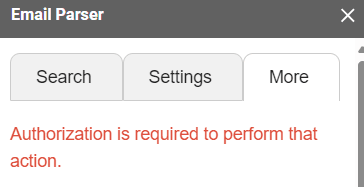
Authorization Error
If you are getting the "Authorization is required to perform that action" error, it is likely because you are logged into multiple Google accounts in the same browser.
This is a common error in the Google Workspace environment.
You need to log off of your secondary account and log back in with your main account for the addon to work properly.
Reading Original Emails
When extracting emails, things aren't always as they seem.
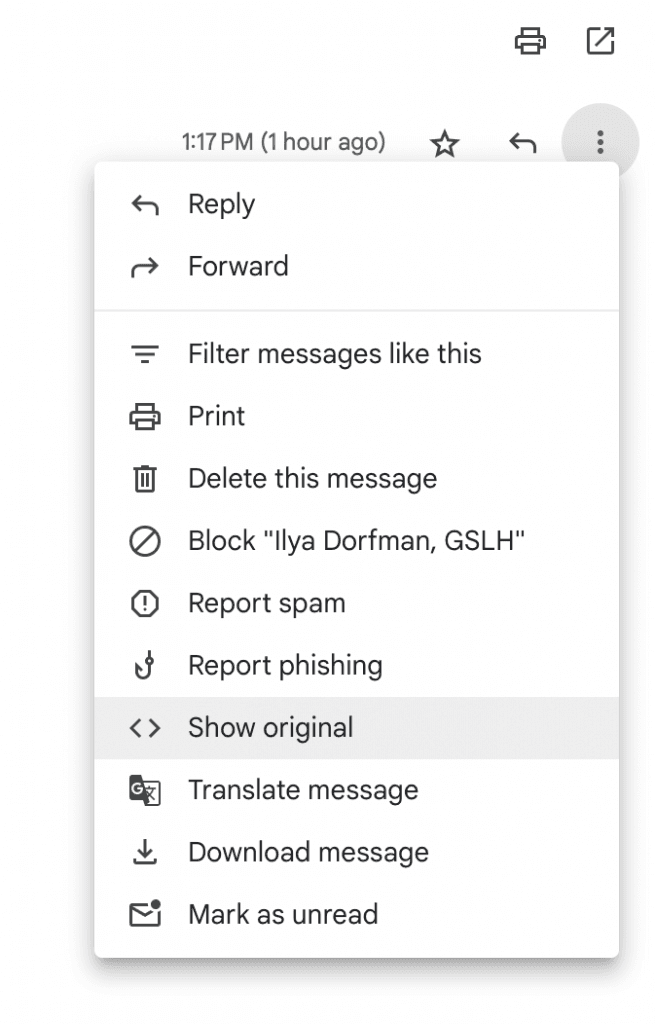
If the data you are expecting isn't arriving as expected, go to a sample email and click "Show original" to see the raw email source.
Once you click on the "Show original" link, you will see how the text changes. The HTML formatting can make text appear differently from how it is actually structured in the email source.
Example: Venmo Payment Emails
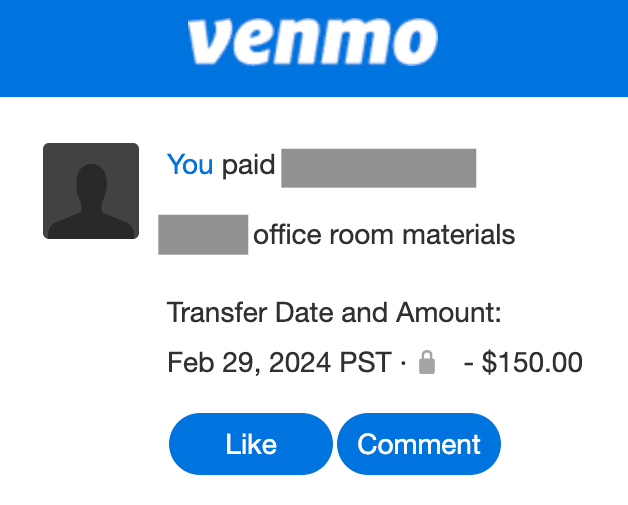
Let's take a simple example like a Venmo payment confirmation email. The following email looks simple.
All we have to do is apply the "Text After" filter with "You paid". And another at "Amount:".
Under the Hood
But when we look under the hood we see something different. The raw email source reveals that the HTML formatting changes the structure of the text significantly.
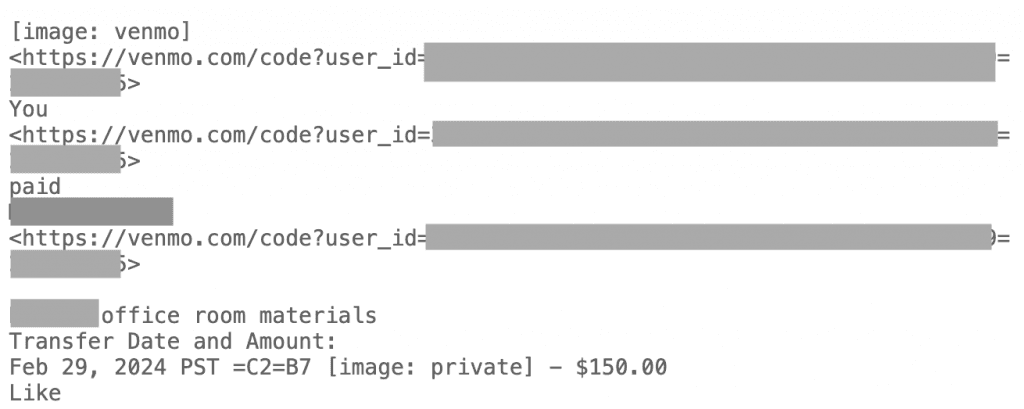
In these cases, we're going to want to use Regex filters.
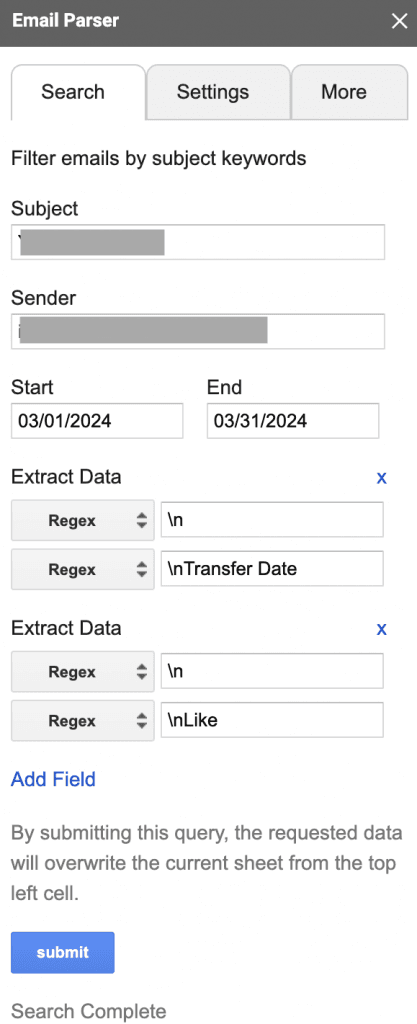
Using Regex Filters
We set the text before as a new line \n followed by the text "Transfer Date". And we set the preceding start of the text to capture as a newline \n.
We do the same for the date and amount. The above example will be one line of regex:
\n(.+?)\nTransfer Date
Need Help?
For more complicated issues, reach out to us.